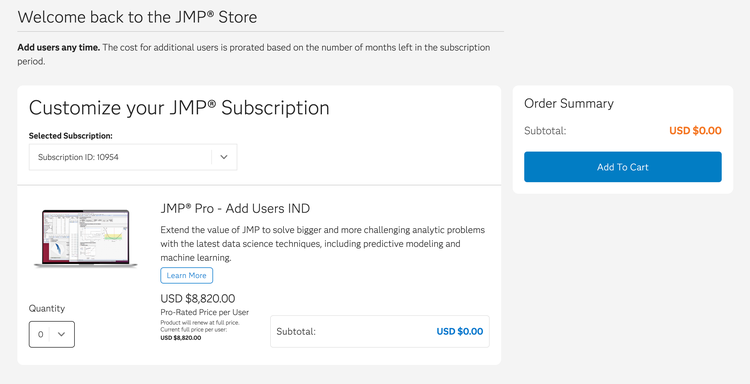
How to add users to an existing subscription
background-image

style
blue-purple-gradient, background-image-narrow, text-light, text-large
1. Log in to your JMP Store account.
2. Select Order JMP.
3. Select the subscription you want to update.
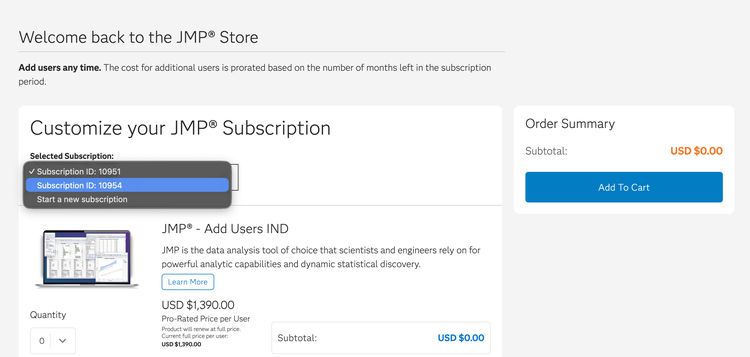
4. Select the desired quantity for each JMP product(s) and click the Add To Cart button.