Canceling an on-hold bank transfer order
Cancel an unpaid bank transfer order that is currently on hold in the JMP Store.
background-image

style
blue-purple-gradient, background-image-narrow, text-light, text-large
-
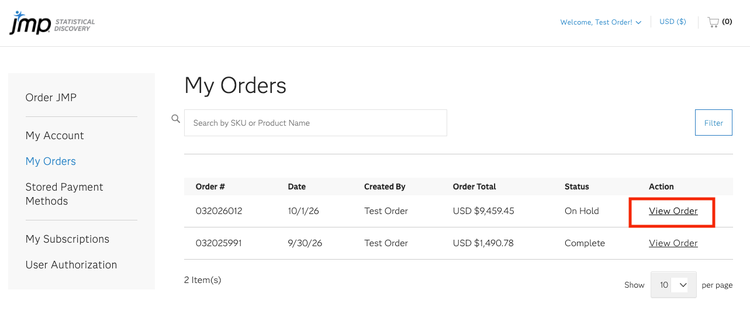
Log in to your JMP Store account and navigate to My Orders.
-
Locate the on-hold order you want to cancel and click View Order in the Action column.
-
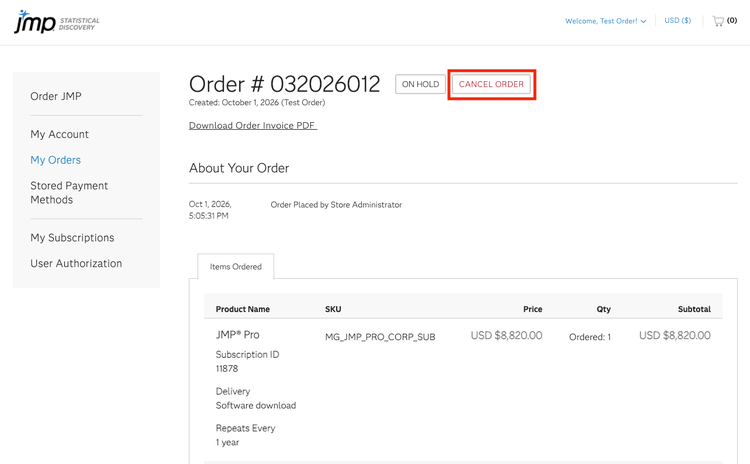
Click Cancel Order at the top of the page.
-
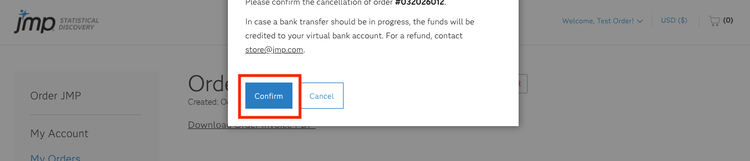
A confirmation message will appear. Click Confirm to cancel the order or Cancel to return without making any changes.
-
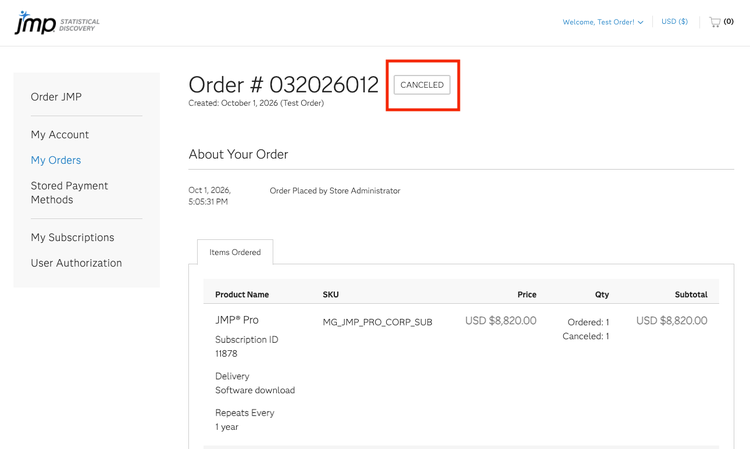
Once the cancellation is complete, the order status will change from On Hold to Canceled.