Convert Character Date
The Convert Character Date process takes an ISO 8601 character date (which could include time), strips off the date part and adds a numeric version of the variable to the data table (which can be saved with the new variable). Running this process enables you to subsequently filter your results based on a numeric variable.
What do I need?
You must have a JMP table open and in focus. Only character date variables can be specified.
The following JMP table was generated when the Demographics Distribution report was run for the Nicardipine example study.
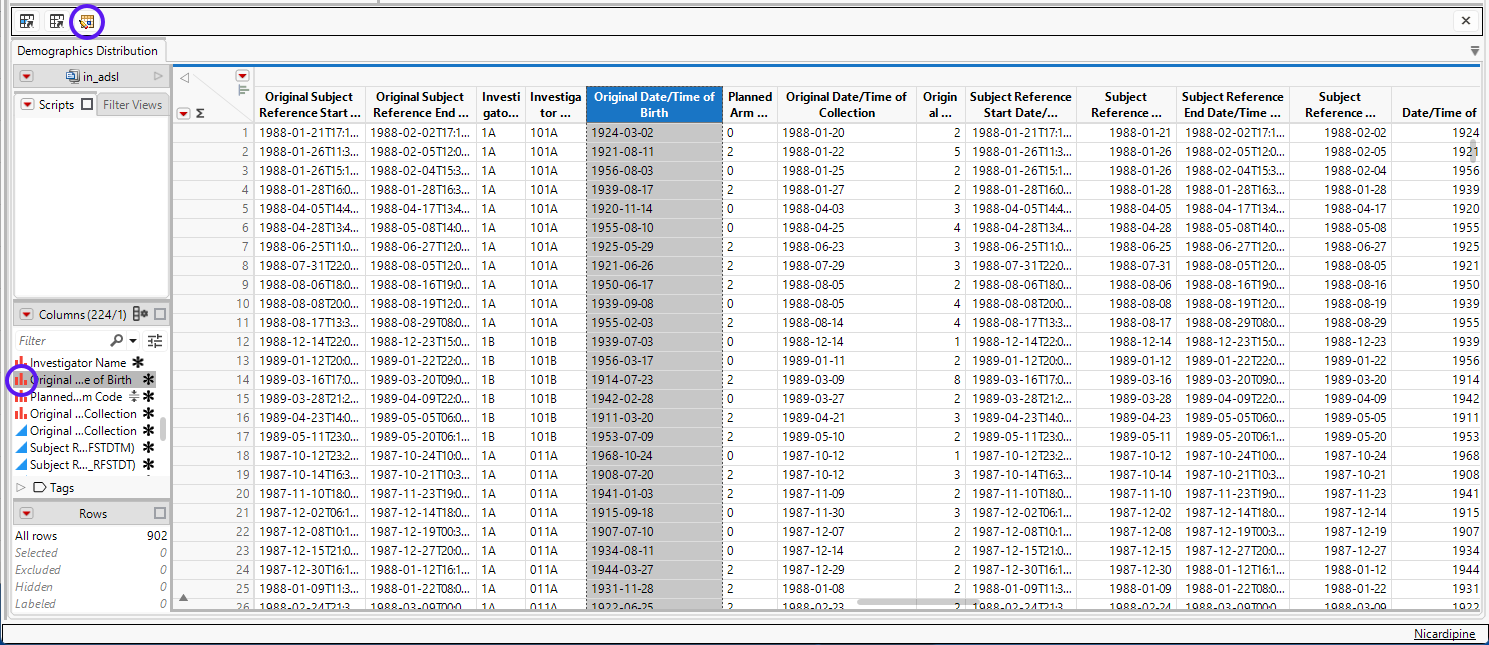
The Original Date/Time of Birth column (highlighted above) will be converted. Note the  icon (circled, above), next to the highlighted column in the Columns pane, indicating this variable is a character (nominal) variable.
To Convert a Character Date
| 8 | Make sure your JMP table is open and in focus. |
| 8 | Click  to open the process dialog, as shown below: to open the process dialog, as shown below: |
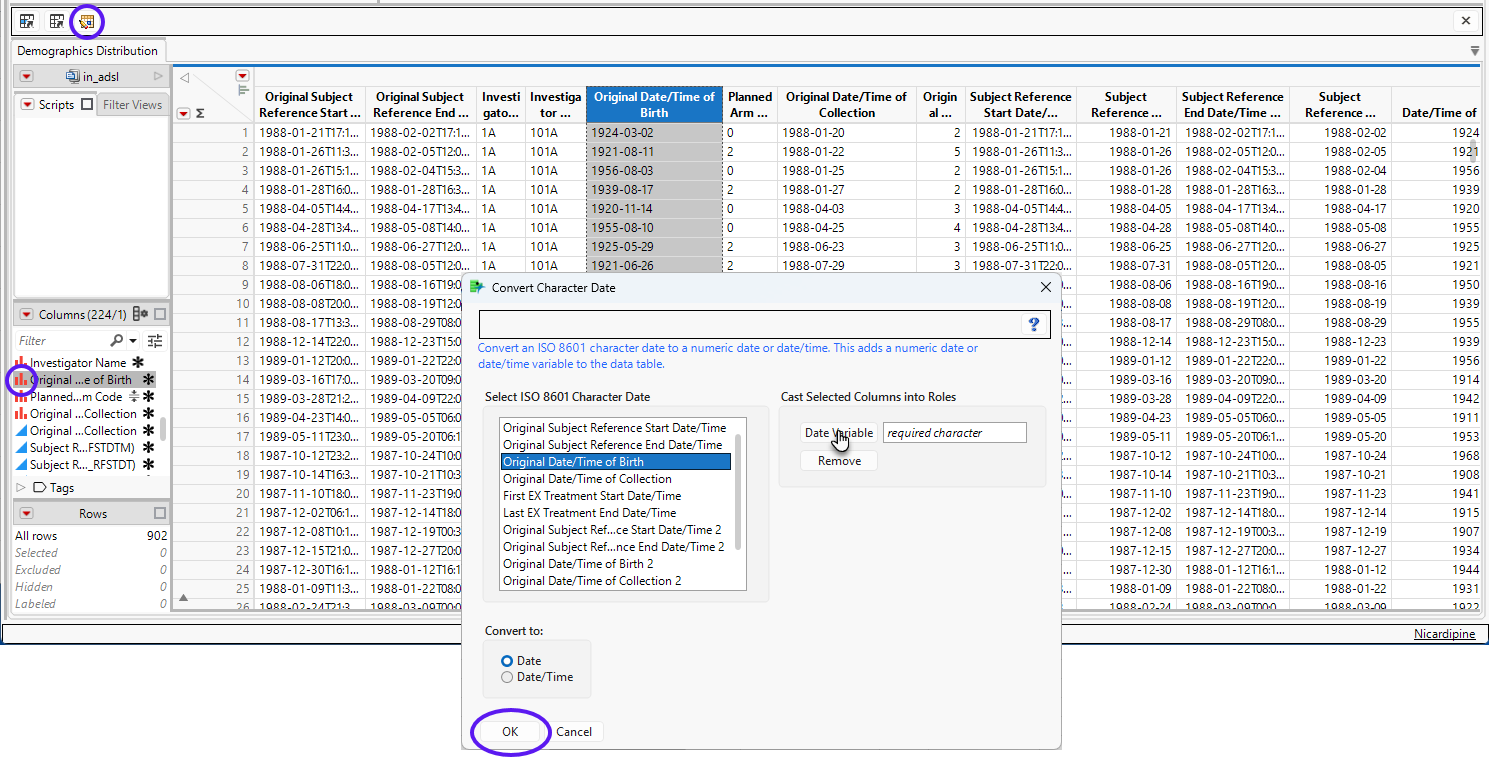
| 8 | Highlight the column to be converted. |
| 8 | Click to specify the highlighted column. |
| 8 | Click . |

Output/Results
This process adds a new column (highlighted below) containing the converted date values to the end of the JMP table.
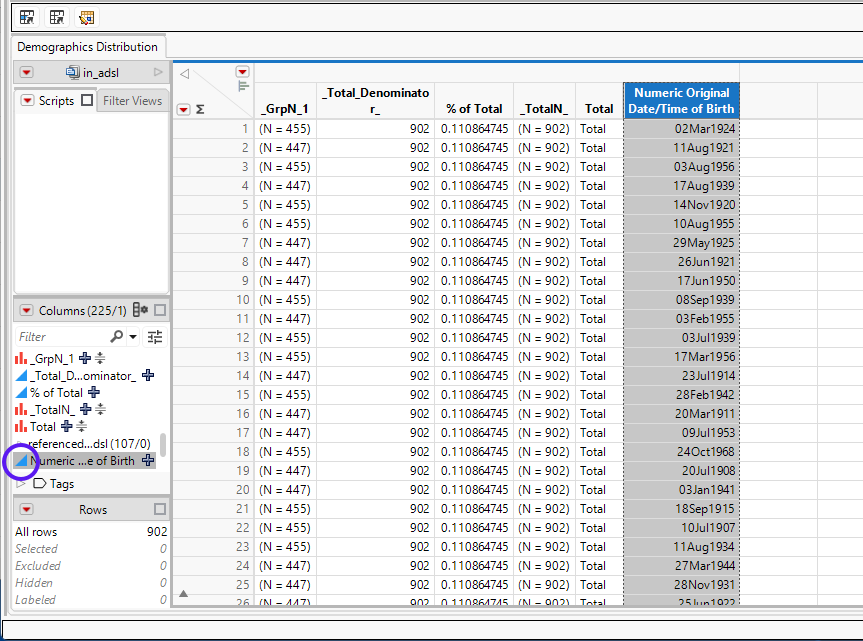
Note: The label for the new column has “Numeric” appended to the original column label.
Compare the  icon (circled, above) for the original column in the Columns pane with the
  (circled above) for the new column. indicating the new variable is a numeric (continuous) variable.