Accessing the JMP Home Window
JMP Clinical contains a fully functioning copy of JMP software that you can access to enhance your use of JMP Clinical.
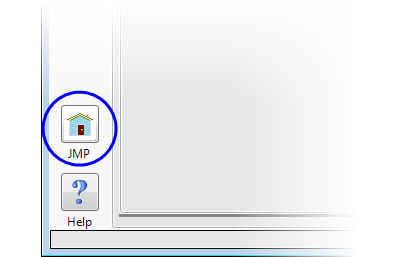
To access the JMP functions not already used by JMP Clinical, click on the JMP Home button ( ) on the bottom left of the JMP Clinical Main window, as shown below:
| 8 | The JMP Home (shown below) opens. |
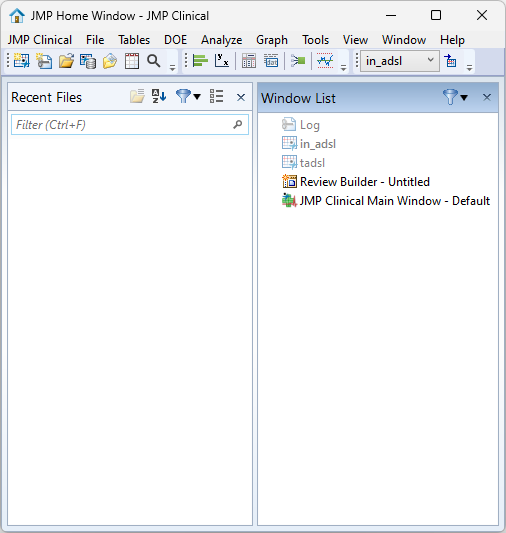
Alternatively, you can access the JMP menu within reports by moving the cursor over the "..." at the top of the window.

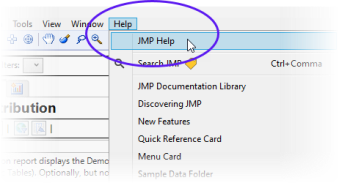
Use the Help menu to access the JMP Help system for documentation, tutorials, and other information about using JMP.
Accessing the JMP Help system
Click on the  icons in the Tool bar at the top of the window, or in the Tools menu.
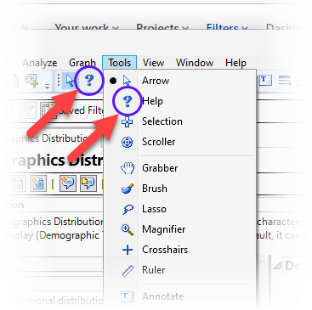
This changes the cursor from an arrow to a question mark. Hover the cursor over a section of the review and click to open up the relevant JMP Help.
Alternatively, click on JMP Help, under the Help Menu to open the Help.