Findings Tests
Use this option to select specific Findings tests.
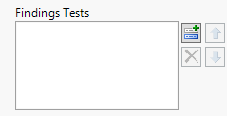
| 8 | Click  to open the Add window (shown below) that lists each variable contained in the specified domain. to open the Add window (shown below) that lists each variable contained in the specified domain. |
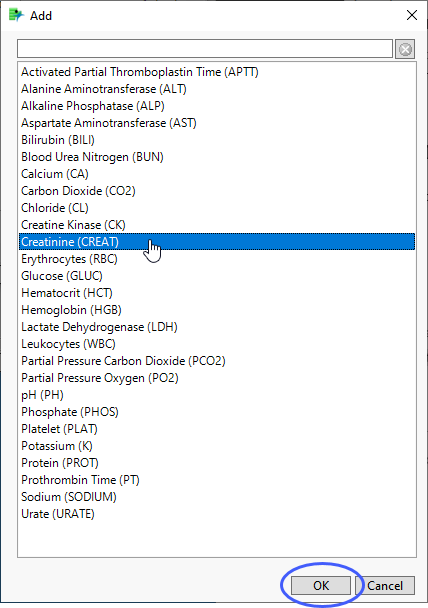
| 8 | Select the variables you want to include in the analysis and click to add those variables to the text box. |
In this example, Creatinine (CREAT) was selected and added.
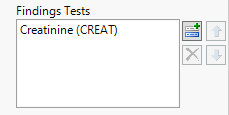
| 8 | To remove one or more distributions, highlight the variables to be deleted and click  . . |
| 8 | To rearrange the order of the distributions, select a variable and click either  or or  . . |