Update Study with New Snapshot...
This feature enables you to update a registered study with a new snapshot.
Use the options on this window to specify the folders containing the snapshots, exclude specific comparisons, and select specific domains.
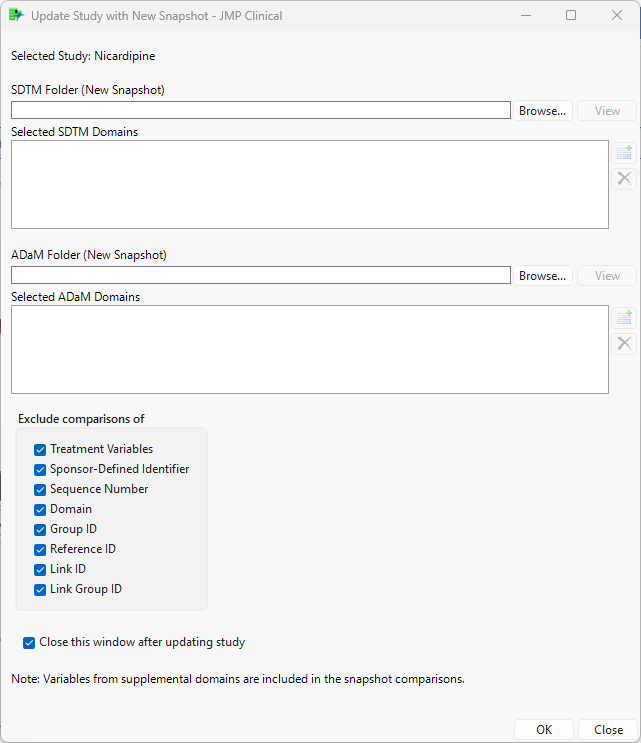
By default, documents generated by this process are saved to the Studies folder ((C:\Users\<user ID>\\JMPClinicalxx\Configurations\Default\Studies\<study name>). Links to these files can be found on the Studies tab.
Note: Studies updated with one or more snapshots should not be refreshed because all snapshot comparisons will be lost during the refresh process.