 option in the bottom right corner of most windows. If you cannot see Arrange Menu, JMP Home Window, and View Associated Data buttons, select
Tip: From the Arrange Menu option on Windows, you can merge open windows by selecting Combine Windows. See Example of Combining Windows to Create a Dashboard in Extend JMP for details.
|
•
|
To display the JMP Home Window, click the JMP Home Window
 button in the lower right corner of most windows, or hold down Control and press 1. button in the lower right corner of most windows, or hold down Control and press 1. |
|
•
|
To show the data table for a report, click View Associated Data
 button in the bottom right corner of the report. button in the bottom right corner of the report. |
|
•
|
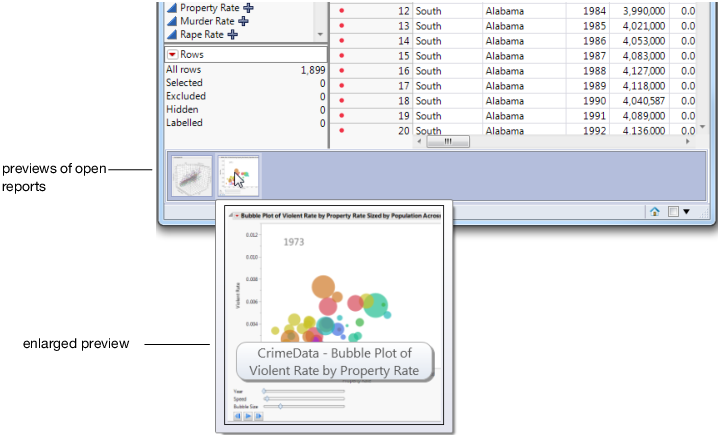
Figure 2.16 Thumbnail Previews of Open Reports