|
1.
|
 ).
).
Figure 1.1 See a Data Point’s Values
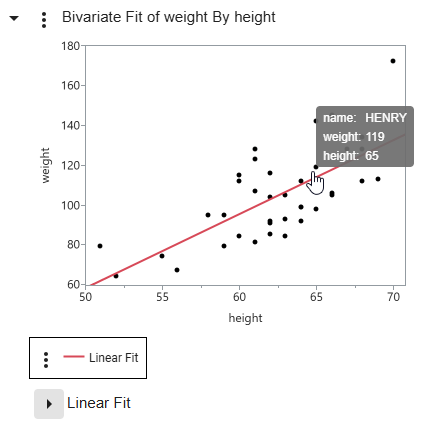
Figure 1.2 See an Explanation of a P-Value Calculation


 menu next to Linear Fit.
|
Press Alt and double-click in the graph or click
 or or  > Reset all axes. > Reset all axes. |
Double-tap in the graph or tap
> Reset all axes. |
 then tap a data point.
 and then tap multiple data points.
 and click a point or drag a rectangle. The center of the rectangle is now the center of the zoom area.
 and click and drag in the graph. Or press Alt and click and drag in the graph.
Figure 1.3 Select Data in Linked Graphs
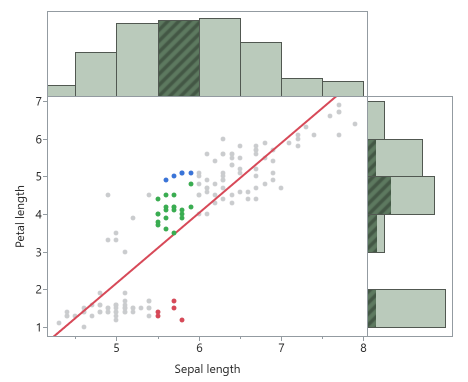
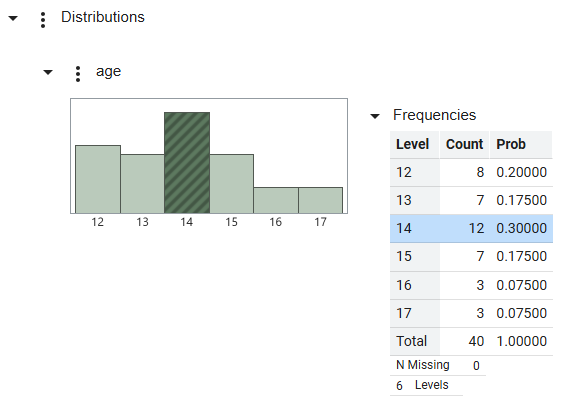
Figure 1.5 Filter Data in Graphs
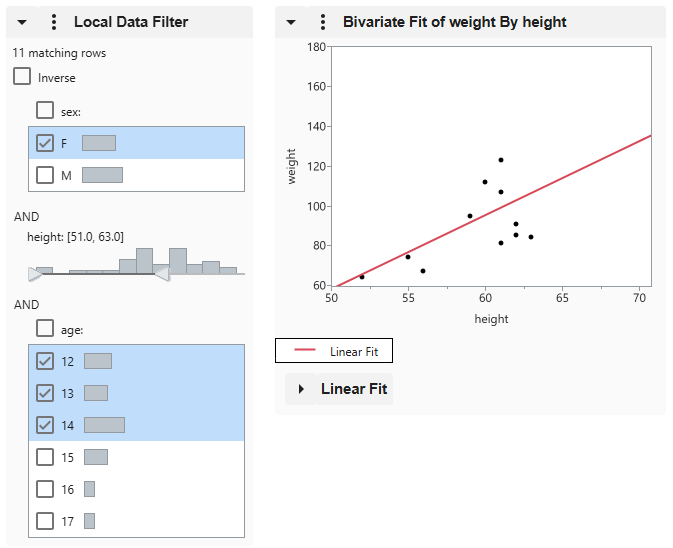
Figure 1.6 Fit a Graph to the Window
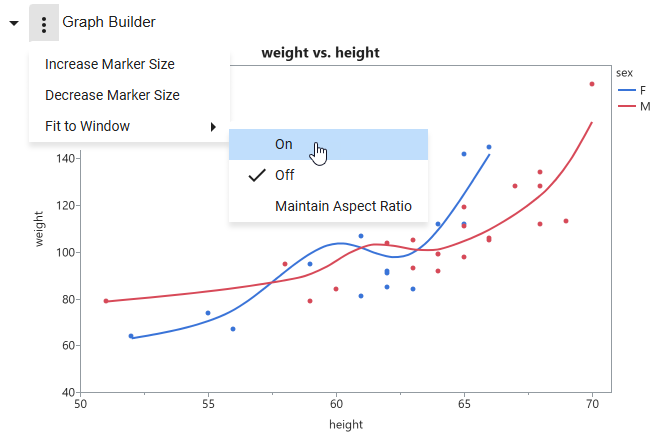
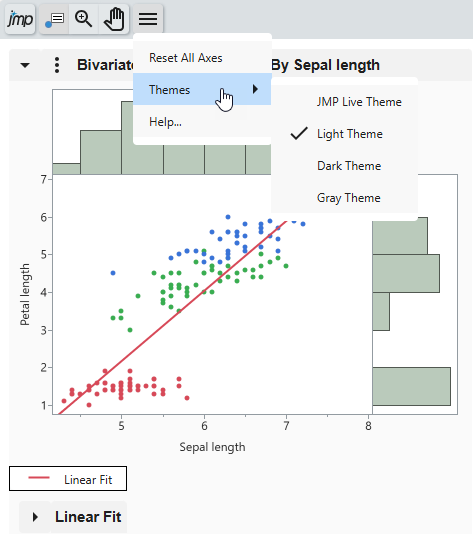
Figure 1.7 Change the Interactive HTML Page Theme