Publication date: 07/15/2025
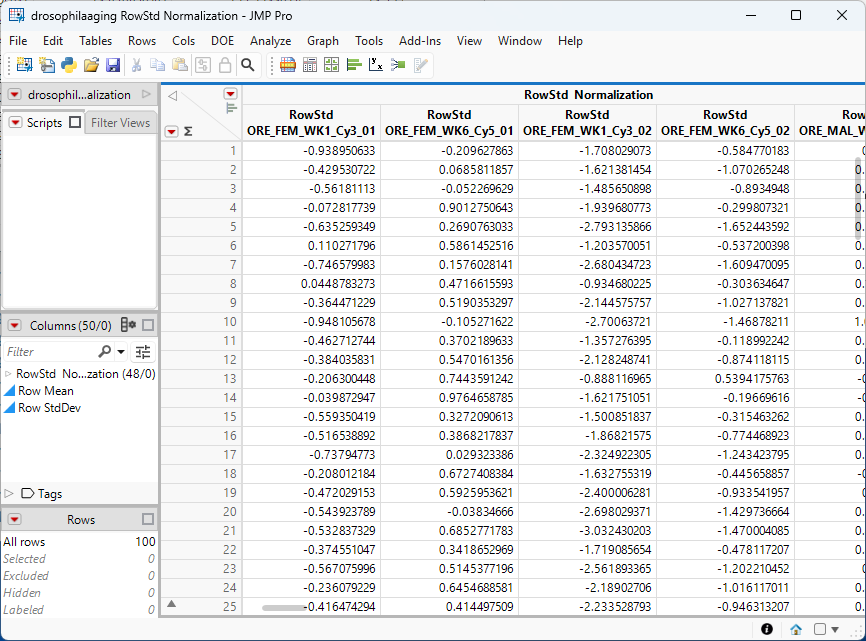
Example of Normalization
Learn how to normalize the data in a JMP table.
This example uses a small subset of the Drosophila aging experiment data from (Jin, Riley et al. 2001). The drosophilaaging_JMP_table.zip file containing the drosophilaaging.jmp table used in this example, can be downloaded from here and saved to your computer.
1. Open a suitable JMP table or other data set in JMP.
2. Select Analyze > Life Sciences > Normalization.
3. Select all of the data columns (col.2 through col.49) and click Y, Columns.
4. Check Create New Tables for Results.
5. Click OK.
Figure 8.1 Table containing the Normalized Data
Want more information? Have questions? Get answers in the JMP User Community (community.jmp.com).