The Change Attributes Script
The Change Attributes script enables you to modify a table by adding, removing, or modifying attributes. Select the Change Attributes script in the data table’s Table Panel to open a window similar to the PI Server Import window.
Figure 3.65 The Change Attributes Window
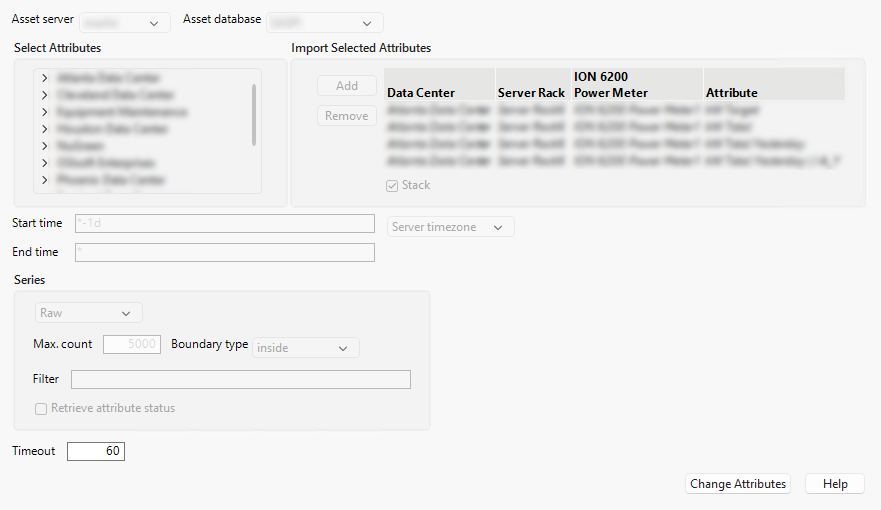
Fields that modify the range of the data, such as Start time and End time, are unavailable in the Change Attributes window. Pre-existing attributes are shown in italics in the Import Selected Attributes box.
The Change Attributes script does not modify or override other changes that are made to the data table such as reordering and renaming columns, adding columns, or marking rows as hidden or excluded.
Table variables are also preserved when using the Update and Change Attributes scripts to not affect scripts that might rely on them. However, changes made with the Update and Change Attributes scripts do modify the Source script, available in the Table Panel, to reflect the new state of the table.