Publication date: 07/15/2025
The Update Script
You can update an existing data table that was created by importing data from a PI Server by selecting the Update script in the data table’s Table Panel.
Figure 3.63 Imported Table from PI Server Import
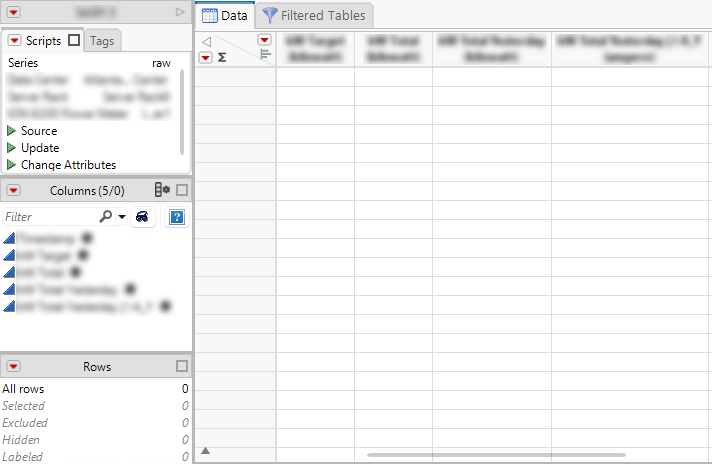
1. Select the Update script to open a window similar to the PI Server Import window.
Figure 3.64 PIServer Import Update Window
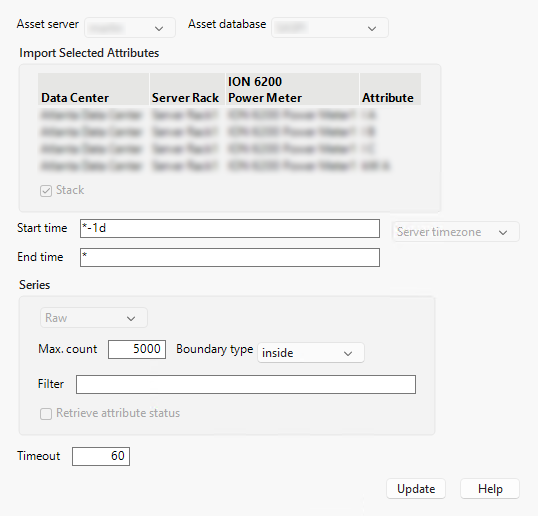
2. Use the available fields to specify the range of the data to be added.
3. Click Update, and the data table is updated by adding the specified data after the last row of the pre-existing data.
Want more information? Have questions? Get answers in the JMP User Community (community.jmp.com).