Publication date: 01/13/2026
Running Notebook Scripts
Run All Scripts in a Notebook
From the top-most parent section, run all the scripts in the notebook by selecting the red triangle and selecting Run All Scripts.
Run All Scripts in a Section
Select the section red triangle and then Run Section.
Run the Script in a Block
Click Run .
Elapsed Time
After you run a script, the elapsed time for each block is displayed in the upper right of the block.
Figure 17.5 Elapsed Time
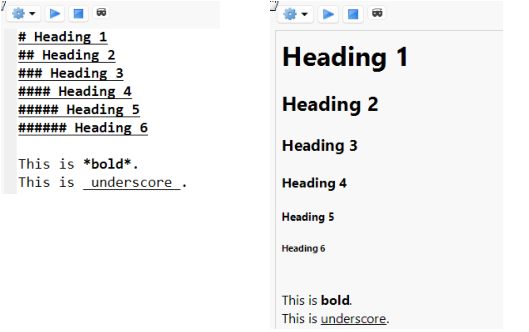
To clear the elapsed time, right-click it and select Hide.
Snippets
Just as in a regular JSL or Python script window, you can create snippets of code in code blocks. See . Snippets are managed in the Snippets preferences. See .
Want more information? Have questions? Get answers in the JMP User Community (community.jmp.com).