발행일 : 03/10/2025
Split the Script Editor Window
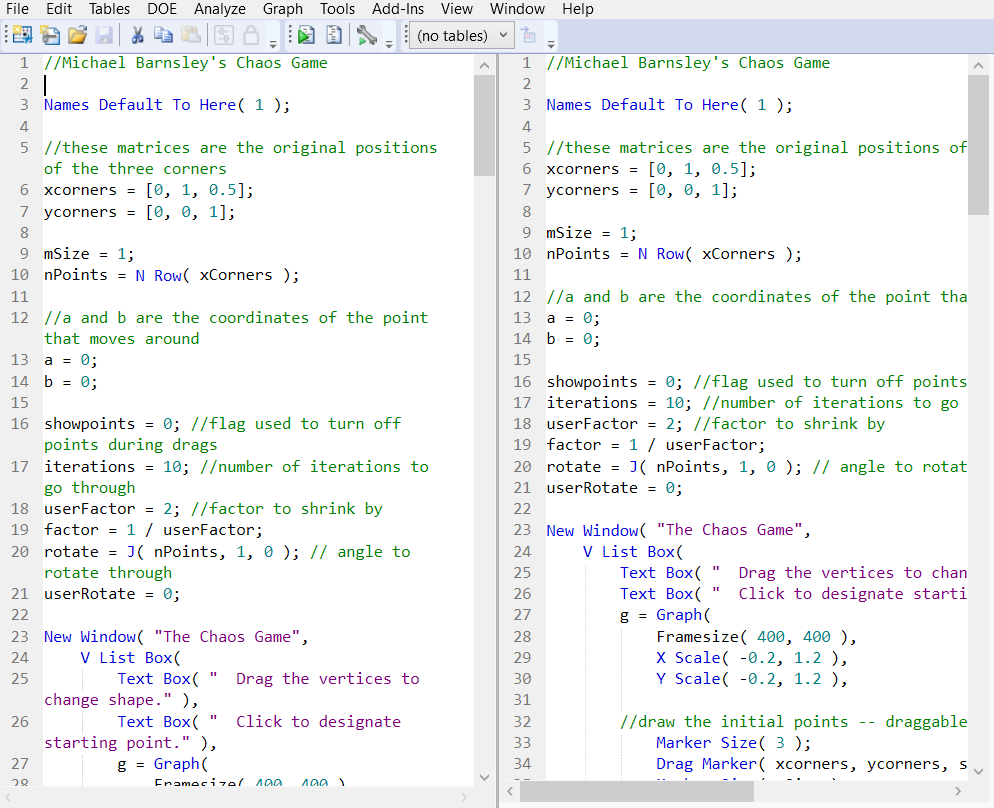
You can split the JSL Script Editor window into two vertical or horizontal windows. This feature enables you to independently scroll through your code in two different places and edit the contents in both. When you make a change in one window, the change is immediately reflected in the other window.
• To split an open Script Editor window, right-click in the window and select Split > Horizontal or Vertical.
• To revert to a single window, right-click and select Remove Split.
Figure 4.5 Example of Splitting a Window Horizontally
더 많은 정보를 원하십니까? 질문이 있습니까? JMP 사용자 커뮤니티에서 답변 받기 (community.jmp.com).