
|
1.
|
|
2.
|
|
3.
|
|
4.
|
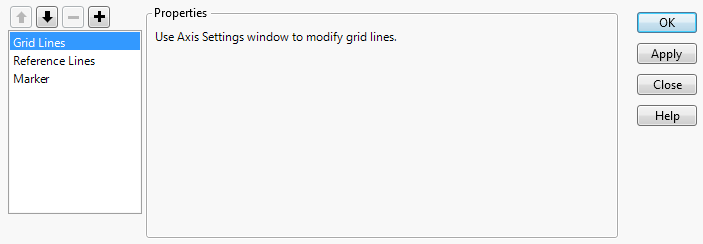
Right-click inside the graph and select Customize.
|
|
5.
|
 to add a new graphics script.
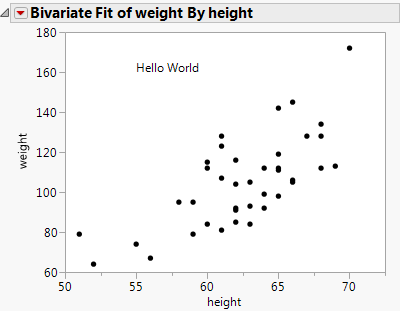
Text( {55, 160}, "Hello World" );
Fill Color( "Green" ); Rect( 57, 175, 65, 110, 1 );
 . If you want the rectangle on top of everything, select the rectangle script and click the down button
  . You can arrange all the scripts in a graph into the drawing order that you prefer. Any new script is initially added directly after the item in the list that is selected.
Tip: To use a script that references a column name, use Column( colname ) or a colon ( :colname ) to scope it properly.
Hint: To see the JSL for the above actions, select Save Script > To Script Window from the red triangle menu.