
|
1.
|
Select DOE > Special Purpose > Space Filling Design.
|
|
3.
|
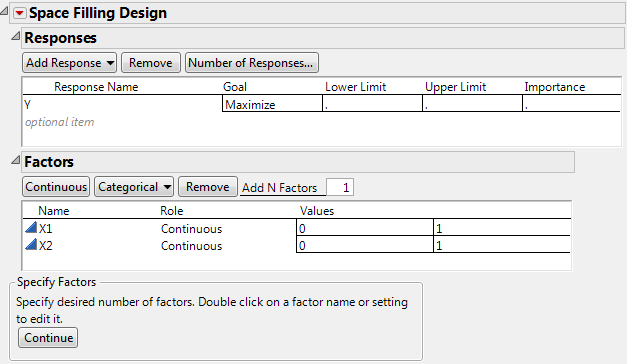
Alter the factor level values, if necessary. For example, Space-Filling Dialog for Two Factors shows the two existing factors, X1 and X2, with values that range from 0 to 1 (instead of the default –1 to 1).
|
|
4.
|
Click Continue.
|
|
5.
|
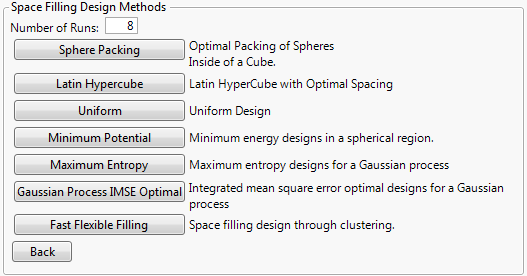
In the design specification dialog, specify a sample size (Number of Runs). Space-Filling Design Dialog shows a sample size of eight.
|
|
6.
|
Click Sphere Packing.
|
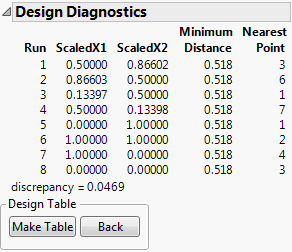
JMP creates the design and displays the design runs and the design diagnostics. Sphere-Packing Design Diagnostics shows the Design Diagnostics panel with 0.518 as the Minimum Distance. Your results might differ slightly from the ones below, but the minimum distance is the same.
|
7.
|
Click Make Table. Use this table to complete the visualization example, described next.
|