Publication date: 07/15/2025
Connect to an AspenTech IP.21 Server
To connect to an IP.21 Server
1. Select File > Connect To > Historian > AspenTech IP.21 Server.
The Connect to AspenTech IP.21 Server window appears.
Figure 3.59 Connect to IP.21 Server
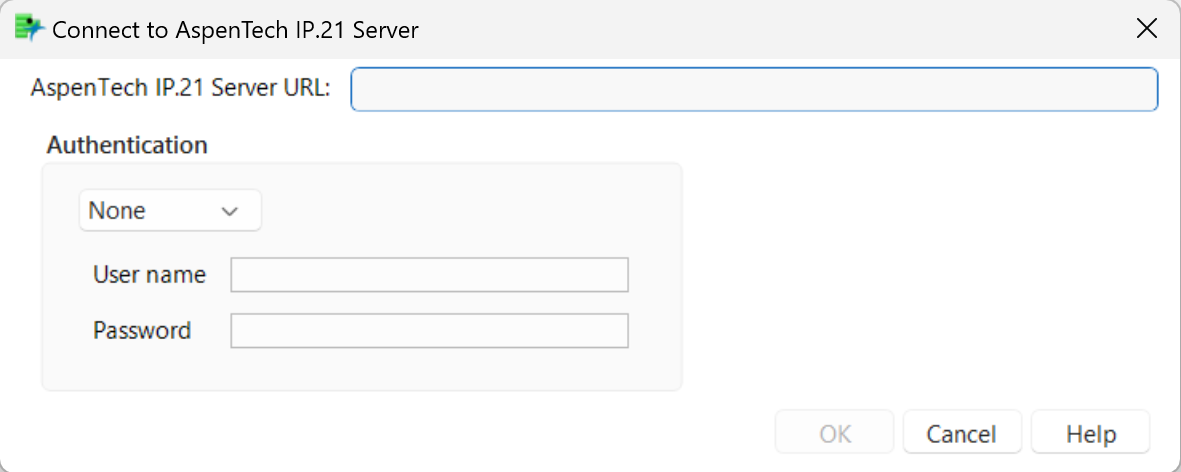
2. Specify the URL for the IP.21 Server.
3. Use the Authentication drop-down menu to select the authentication type from the list (None, Kerberos, NTLM, or Basic).
4. If you are using Basic or NTLM authentication, specify the user name and password.
5. Click OK.
Want more information? Have questions? Get answers in the JMP User Community (community.jmp.com).