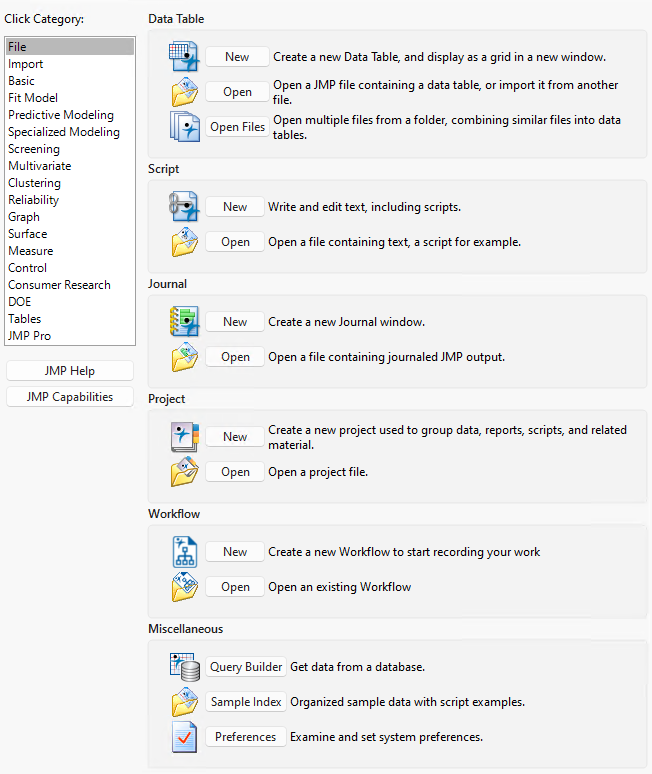
JMP Starter Window
The JMP Starter window is a good place to begin if you are not familiar with JMP or data analysis. Options are categorized and described, and you launch the options by clicking a button. The JMP Starter window covers many of the options that are found in the Analyze, Graph, Tables, and File menus.
• To open the JMP Starter window, select View (Window on Apple macOS) > JMP Starter.
• To display the JMP Starter automatically when you open JMP on Windows, select File > Preferences > General and then select JMP Starter from the Initial JMP Window list. On Apple macOS, select this option on the JMP > Preferences > General page.
Figure 2.18 shows the JMP Starter window for Windows. The Apple macOS JMP Starter window is identical.
Figure 2.18 The JMP Starter Window (Windows)