发布日期: 03/04/2025
Edit Display Box Properties
To format reports before saving them to a script, edit display box properties such as color and position. In the report window, select Edit > Properties (Windows) or View > Show Properties (macOS) and then click the node that you want to edit.
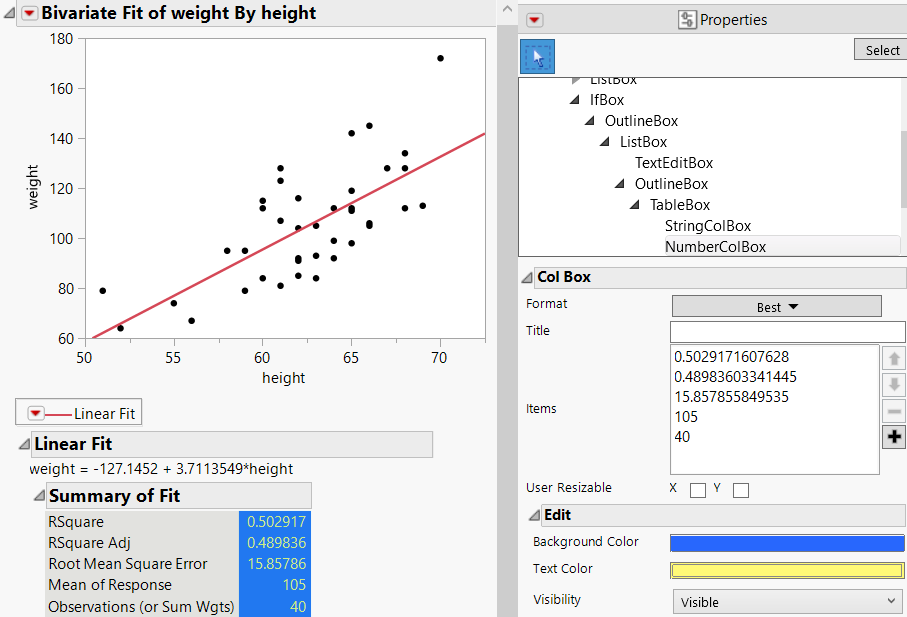
In Figure 11.5, the Summary of Fit statistics were selected below the graph. The Background Color and Text Color were then changed in the Properties. These changes are preserved when you save the report as a script or journal the report.
Figure 11.5 Example of Showing Properties for a Plot
需要更多信息?有问题?从 JMP 用户社区得到解答 (community.jmp.com).