Publication date: 01/13/2026
Launch the Stepwise Personality
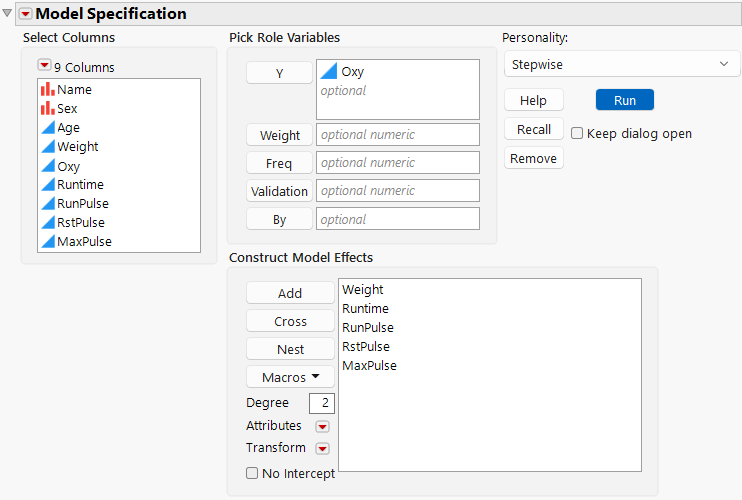
Launch the Stepwise personality by selecting Analyze > Fit Model, entering one or more columns for Y, and selecting Stepwise from the Personality menu.
Figure 5.5 Fit Model Launch Window with Stepwise Selected
For more information about aspects of the Fit Model window that are common to all personalities, see “Model Specification”. For more information about the options in the Select Columns red triangle menu, see “Column Filter Menu” in Using JMP.
Want more information? Have questions? Get answers in the JMP User Community (community.jmp.com).