Publication date: 11/29/2021
Work with Projects
With JMP projects, you can do the following:
• Explore your data more efficiently with a single, tabbed JMP window
• Quickly save and reopen a set of related files and reports
• Easily share your work by embedding your tables and scripts in a self-contained project file
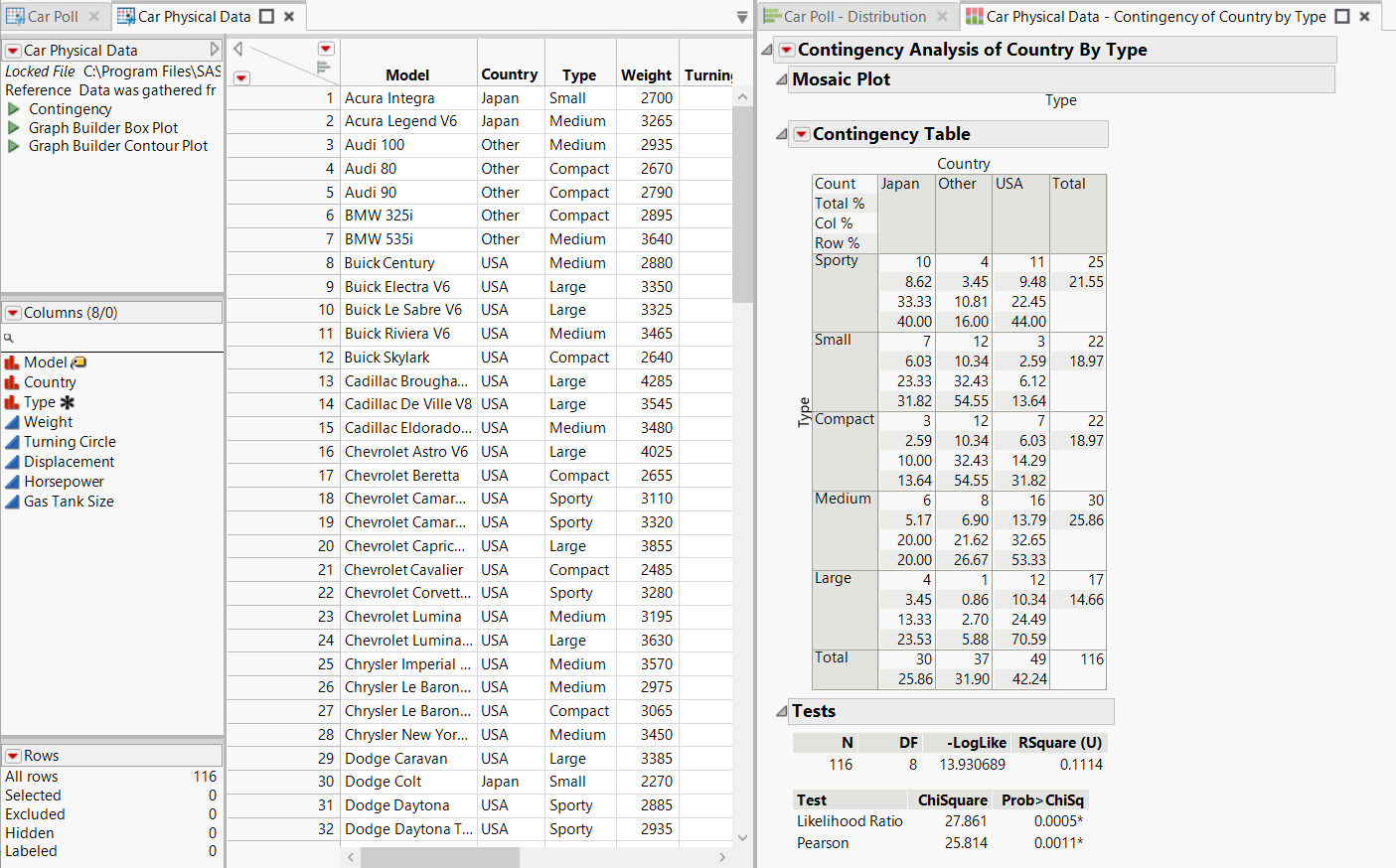
Figure 10.13 Project File with Data Tables and Reports
This section contains the following information:
Want more information? Have questions? Get answers in the JMP User Community (community.jmp.com).